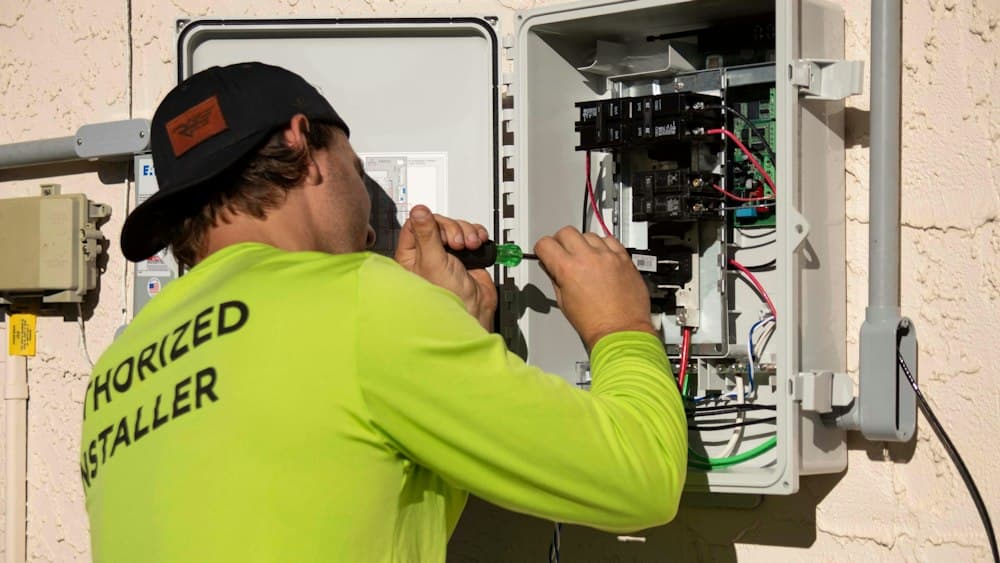
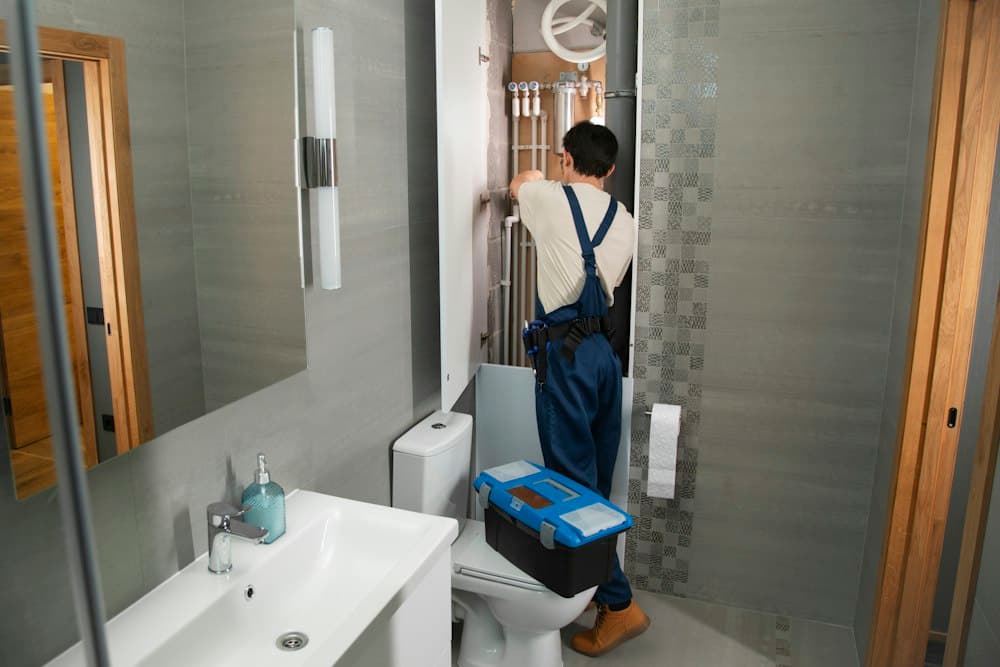

Talk, don't type
Dictate jobs, spending and journeys. You check everything before it's saved.
Say what you did, and VanBooks writes the invoice, logs the parts and mileage, and works out what to put aside for tax. Your records are kept digitally, in HMRC's categories.
“Finished the boiler service for Mrs Patel, £95, and picked up a £22 thermocouple from Screwfix.”
That's an invoice for £95 and a £22 materials cost, ready for you to check and save. Try your own job.




Say or type what you did, like you'd tell a mate. No sign-up needed.
See it in action
Tap the mic in the van and talk like you would to a mate: the job, the customer, the price, the miles.
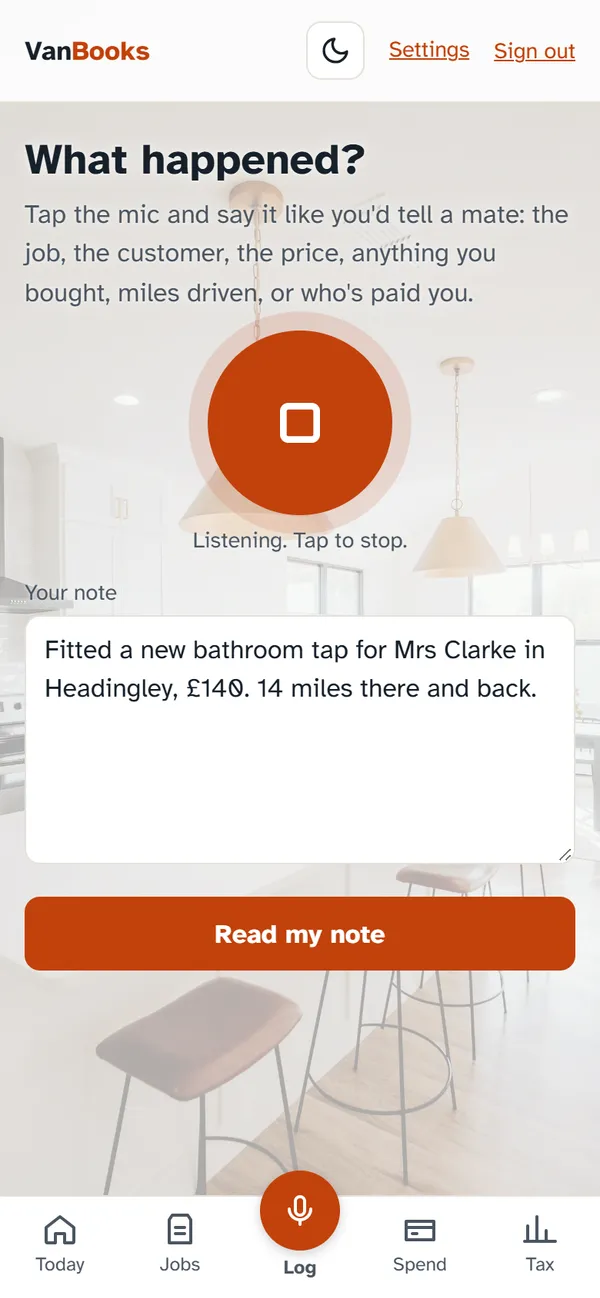
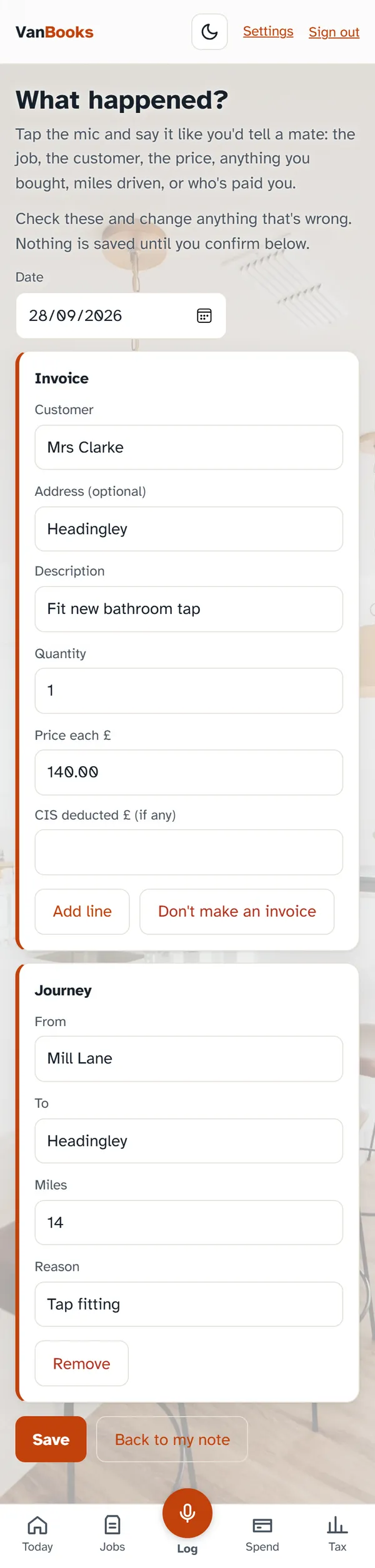
It drafts the invoice and logs the journey for your mileage claim. Check it, change anything, then save.
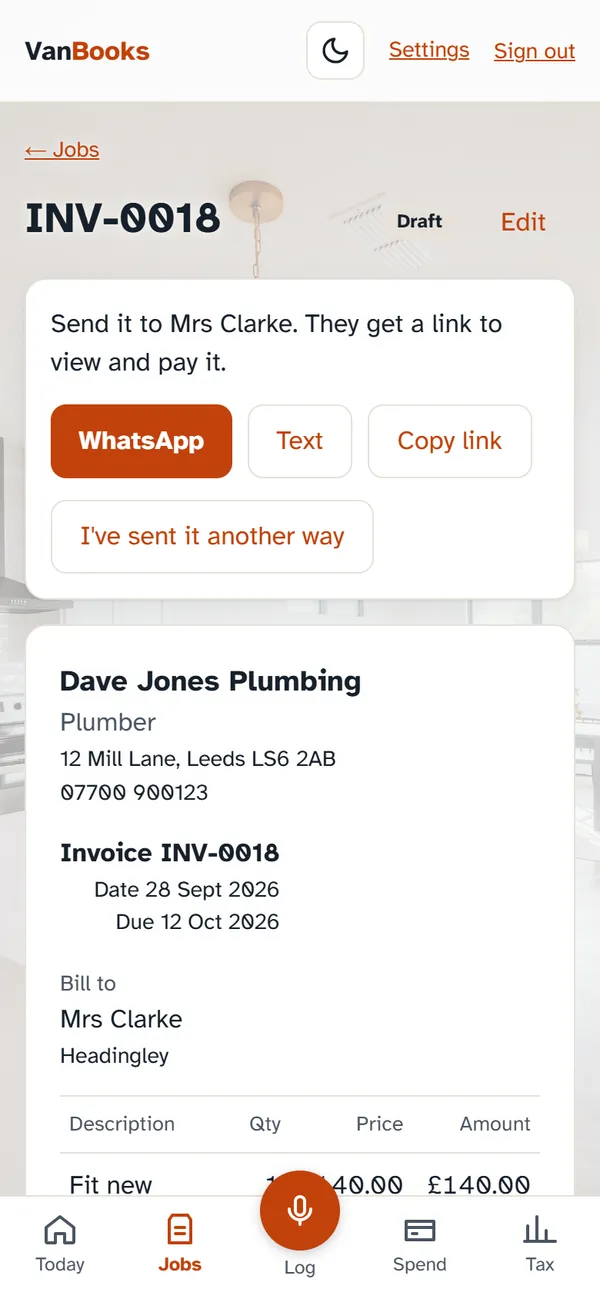
WhatsApp, text, or copy the link into an email or any other app. Your customer gets a proper invoice with your details and bank info.
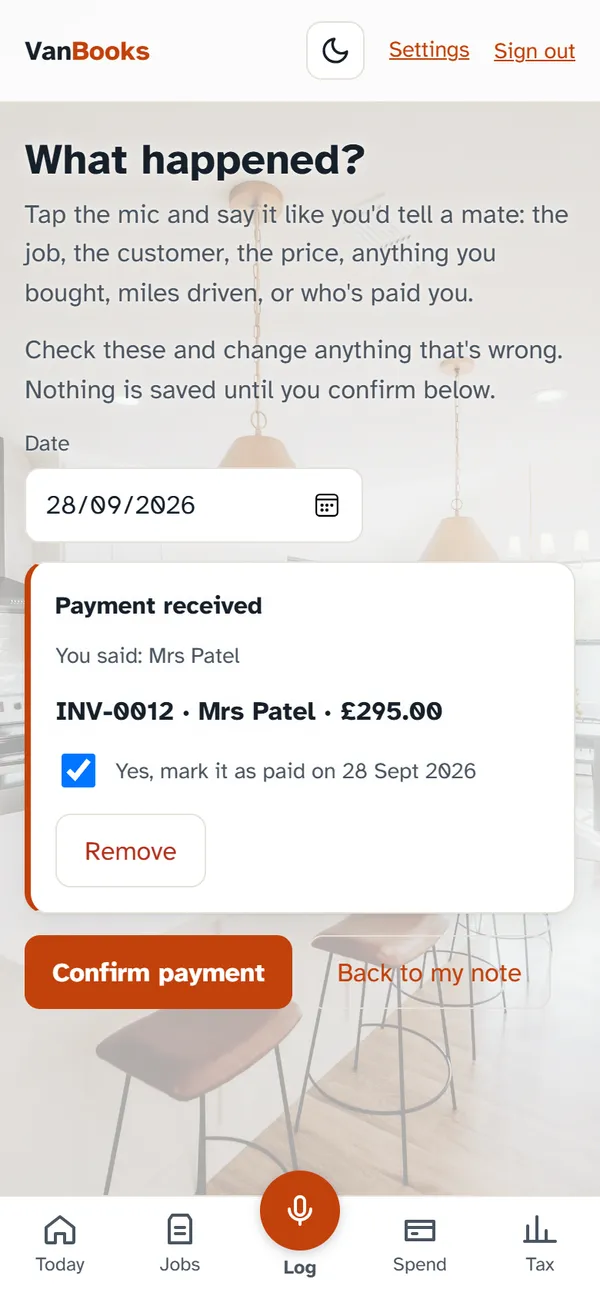
Say “Mrs Patel paid”. VanBooks finds her invoice and asks you to confirm before marking it paid.
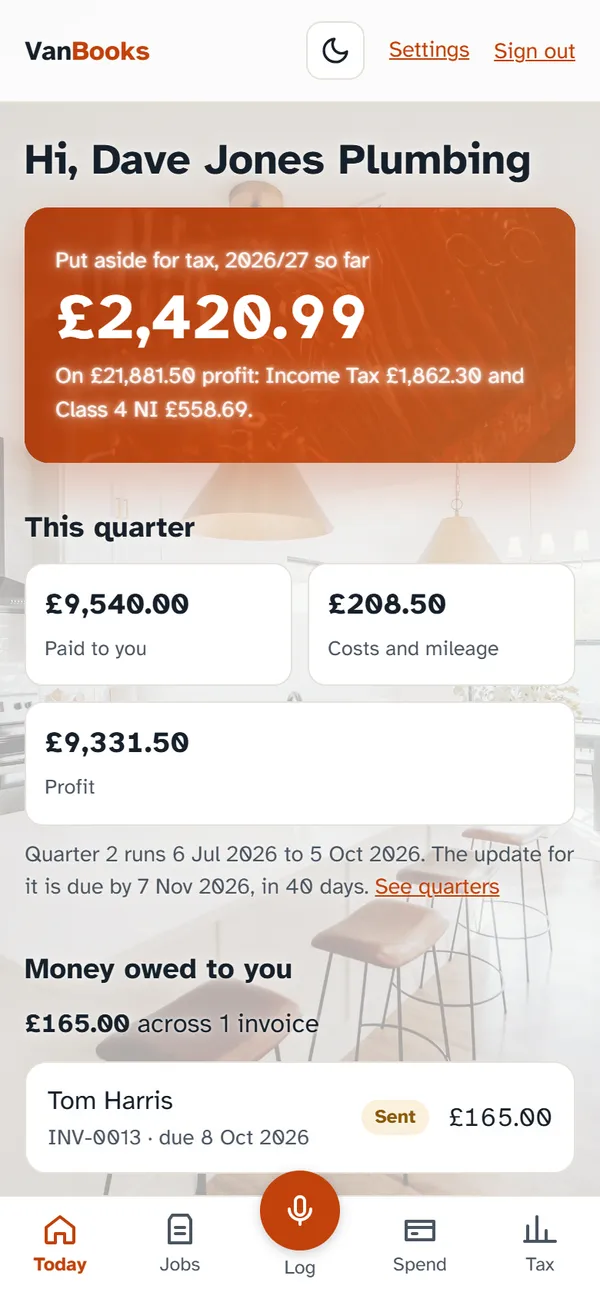
See what to put aside for tax, this quarter’s profit and who still owes you, with your figures in HMRC’s categories.
Short videos of each part of the app. See them all, or watch them on our YouTube channel with a quick tour, tax explainers and free tool demos.
Also for cleaners, gardeners, carpenters and roofers. See every trade
Talk, don't type
Dictate jobs, spending and journeys. You check everything before it's saved.
Invoices in seconds
Pick the customer from your contacts, add rates and parts from your price book, send a link by WhatsApp, and see when they've opened it. Proper credit notes when something changes.
Quotes that turn into invoices
Send a quote, they accept it online, invoice a deposit, then the invoice in one tap. A nudge to follow up if a quote goes quiet.
Get paid on time
Polite reminders go to late payers at 7, 14 and 30 days, and stop when they pay. Send a customer a statement of everything they owe in a tap.
Diary and repeat work
Book jobs in and invoice them when they're done. Repeat invoices for contracts, and reminders when a boiler service is due again.
What each job made
Link costs and miles to a job and see its real profit. Charge the parts on to the customer with your markup, so nothing's forgotten.
Photos and sign-off
Before and after photos on the invoice, and your customer signs off the work on your phone. More Google reviews in a tap.
Catch up from your bank
Upload a bank statement: payments are matched to invoices and card spends become costs, ready for you to tick.
Forward your receipts
Forward a receipt email to your own VanBooks address and it's added as a cost, even in dollars or euros. Regular bills like van insurance add themselves.
Know your tax bill
After every payment, how much to put aside. A live figure that counts a job or pension, pension savings, working from home, Scottish rates and student loans.
CIS and retentions
Subcontractor? CIS is worked out on your labour, not your materials, and counted off your tax bill. Retentions are tracked, with a reminder and a one-tap invoice to claim them.
Works with no signal
Lofts, basements, out in the sticks: notes and receipt photos are kept on your phone and added when you're back in signal.
Mileage done for you
Type two postcodes, or just say where you went, and the miles are worked out. 45p a mile for the first 10,000, 25p after.
Digital records and VAT
Quarterly figures in HMRC's categories with every deadline, and your VAT worked out, including the construction reverse charge and the Flat Rate Scheme. Sending to HMRC from VanBooks: coming soon.
Refer a mate
Know another tradesperson? They get two months free with your link, and you get a month free when they start paying.
Accountant friendly
Send your accountant a private link to the whole year, or give your partner or bookkeeper their own sign-in to your books.
First month free, then £9 a month
No card needed to start. Everything included. Cancel any time. Got a mate's link? Your first two months are free.